Logo & mascot
A pixel rook and a pixel wordmark, drawn to match the dog’s pixel art. Ink on white or white on ink, never anything in between.
Lockups
Two lockups. The full logo leads wherever there is room; the mark alone is for favicons, app icons and tight spaces where Rook is already named.
Logo · on white
Mark · on white
Logo · on ink
Mark · on ink
Clear space & minimum size
Keep four grid units clear on every side: half the width of the mark. Scale in whole pixels per grid unit so the edges stay crisp.
Misuse
The mark only works as drawn: square pixels, one flat color, a quiet ground. Use the files as supplied.
The dog
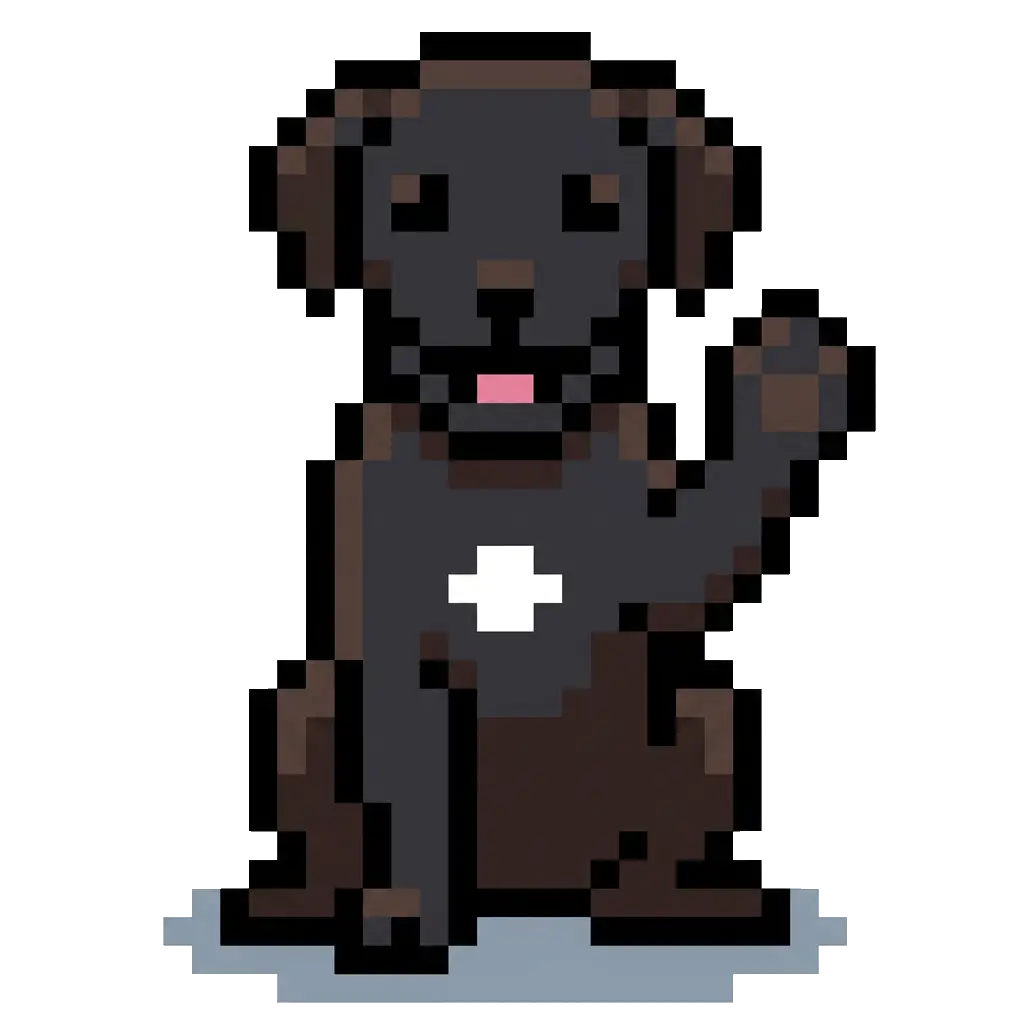
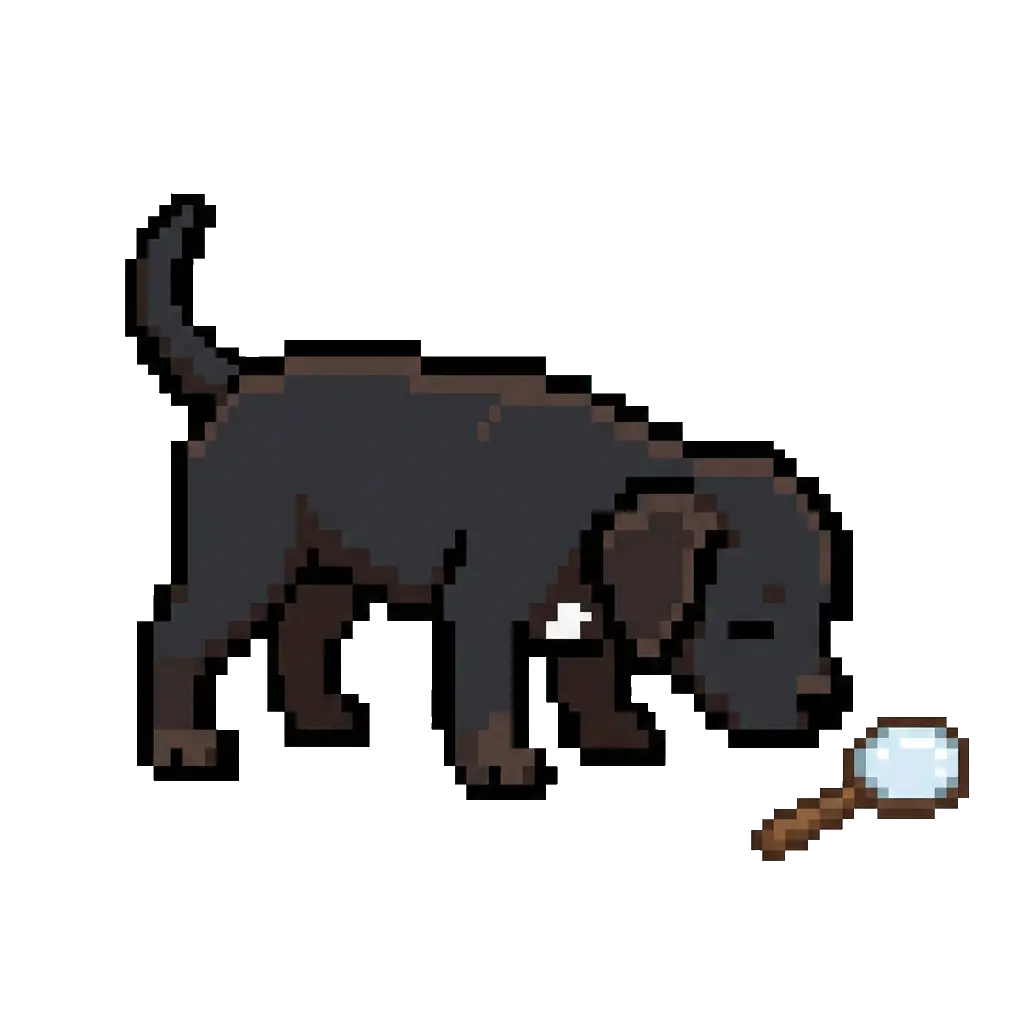
A black pixel dog keeps the drafting room friendly. It appears in three places only: the home page, sign-in, and empty states. It never speaks and is never captioned.

Rules
- Home, sign-in and empty states only. Decided Sep 2026.
- No captions, speech bubbles or names. The copy beside it does the talking.
- One dog per screen, at whole-pixel scale with pixelated rendering.
Never
- In errors, dialogs, toasts or anything that reports a failure.
- In docs, release notes, the Portal or the Revit add-in.
- Recolored, cropped, redrawn or mixed with the rook mark.
Downloads
The source files live in the rook-site repository. Take them from there rather than from a screenshot or an old deck.
| File | Use | Size | Download |
|---|---|---|---|
| brand/rook-logo.svg | Logo, mark and pixel wordmark. Sign-in page logo. | SVG · 660 × 180 · 3 KB | Download |
| brand/rook-logo-icon.svg | Mark alone on a 16-unit grid. App icons, avatars. | SVG · 256 × 256 · 1 KB | Download |
| public/favicon.svg | Light rook on a dark square, for browser tabs. | SVG · 64 × 64 · 1 KB | Download |
| public/mascot/hardhat.webp | The dog for the home page. | WebP · 1024 × 1024 · 73 KB | Download |
| public/mascot/welcome.webp | The dog for sign-in. | WebP · 1024 × 1024 · 77 KB | Download |
| public/mascot/searching.webp | The dog for empty states in the Rook Library. | WebP · 1024 × 1024 · 79 KB | Download |
