Content & overlays
What sits on the page and what floats above it. Badges and alerts are flat; cards rest one step up; menus, dialogs, sheets and the lightbox float on the overlay shadow, with no border.
Badge & StatusBadge
Badge is the one pill: 24px tall, the 8px radius, 12px semibold text. StatusBadge adds a dot and is the only way to show state; Tag labels a category and never reports state.
Badge variants
StatusBadge · dot and word
Tag · category
Alert
Alerts belong to the page, so they are flat: a wash, a tinted border and no shadow. Put them beside what they describe, and end with what to do.
Rook Lateral 2.3.1 is out
Download it from the Portal. Your license carries over.Imports wait for you
2 details look like ones already in the library.Detail approved
Beam to column connection is now in the Library.All 3 seats are in use
Add a seat in the Portal before you invite another member.Import failed
S-600.rvt has no drafting views. Send it again from Revit.Card
A card holds one thing you can open: a detail, a family, a release. It rests on the page with a hairline and the resting shadow; when it is a link, its edge darkens on hover. It never lifts.
| Part | Tokens | Notes |
|---|---|---|
| Surface | bg-raised · border-border · rounded | White on white, so the hairline marks it. |
| Depth | shadow-resting | Two tight layers at 4–5%. |
| Hover | interactive → hover:border-input | No lift, no translate. |
| Drawing mat | bg-muted · the sheet on it shadow-resting | Drawings sit on vellum as white sheets. |
Skeleton & EmptyState
Skeletons hold the shape of what is coming, in vellum. Empty states say what will appear and how to add the first one; the dog appears only on full-page empties.
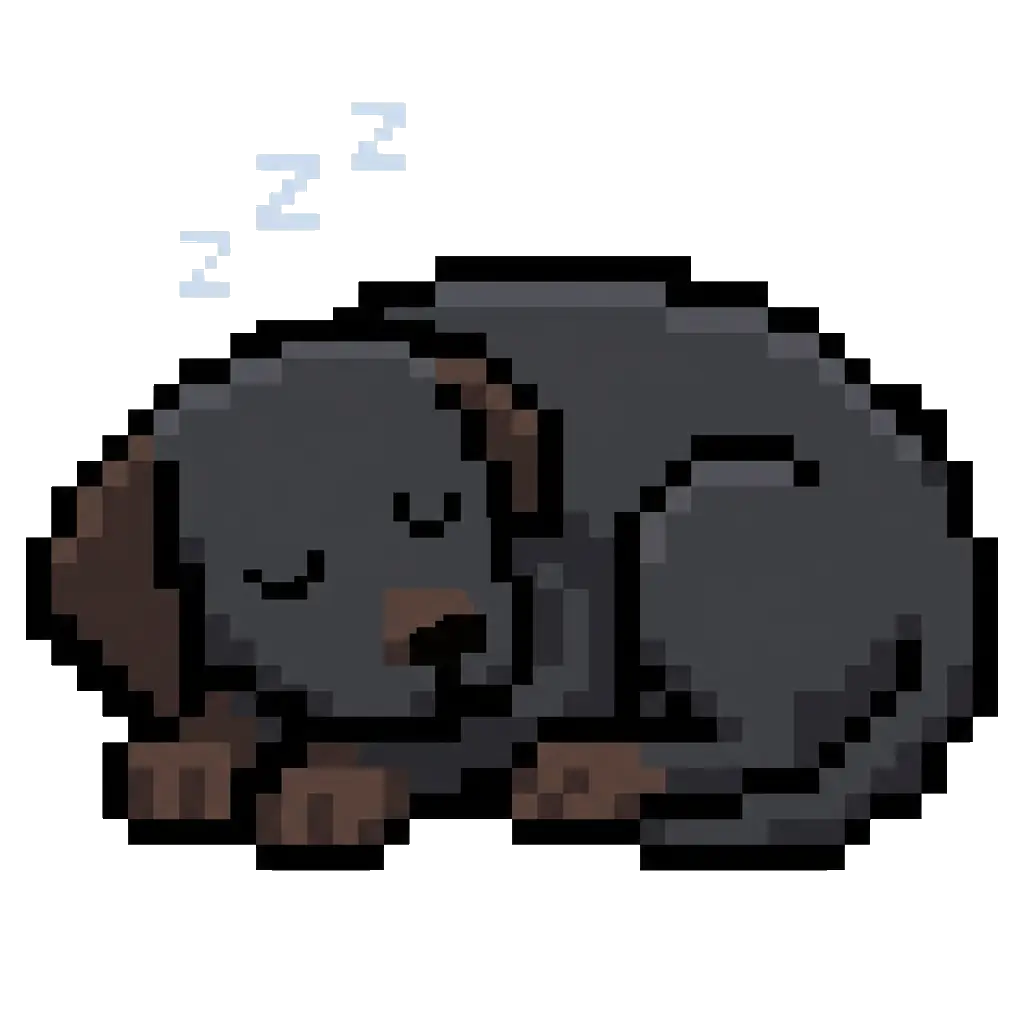
No imports to review
When a detail you send looks like one in the library, it waits here.
No members match that email.
Table
Ruled, never boxed: an ink rule under the header, hairlines between rows, no zebra and no outer border. Figures align right in tabular numbers.
| Version | Rook Lateral release | Status | Size |
|---|---|---|---|
| 2.3.1 | Fixes diaphragm loads on split-level floors | Current | 42.8 MB |
| 2.3.0 | Wind loads to ASCE 7-22 | Superseded | 42.6 MB |
| 2.2.4 | Seismic drift report export | Withdrawn | 19.1 MB |
Overlays
Everything that floats uses one shadow, shadow-overlay, and no border: the ring is inside the shadow. Modal overlays dim the page with one backdrop strength everywhere (bg-foreground/40). Open each one.
| Overlay | Used for | Backdrop | Notes |
|---|---|---|---|
| Menu | The account chip | None | 8px below its trigger; the highlighted item on vellum. |
| Dialog | Edit a detail, confirm a removal | bg-foreground/40 | Centred, 480px wide; actions bottom right. |
| Sheet | The mobile menu, the guide’s rail | bg-foreground/40 | Full height from the side it opens on. |
| Command palette | Docs search | bg-foreground/40 | Pinned near the top so results grow down. |
| Lightbox | Drawing preview, compare | Ink ground | Drawings on white in the middle; a click on the ground closes it. |