UI patterns
How the components combine into the screens engineers use every day: a form, a way around, a state they can trust, and data they can scan.
Forms
Label above, field, then a hint or the error in the same place. One column, one primary action, and errors beside the field that caused them.
- Labels
- Above the field, sentence case, no colon. Every field has one, even when a placeholder seems enough.
- Hints
- Under the field, in graphite. Say the format or the consequence, not the label again.
- Errors
- Replace the hint, in failed red, with the field’s invalid state. Say what to type, not that it was wrong.
- Actions
- One ink button for the primary action, last in the row. Cancel is a secondary button beside it.
Feedback & states
Every list has an empty, a loading and a failed state, designed with the full one. Messages sit in the page beside what they describe; they are flat, never raised.
Rook Lateral 2.3.1 is out
Download it from the Portal. Your license carries over.Detail approved
Beam to column connection is now in the Library.All 3 seats are in use
Add a seat in the Portal before you invite another member.Import failed
S-600.rvt has no drafting views. Send it again from Revit.Empty · with the dog
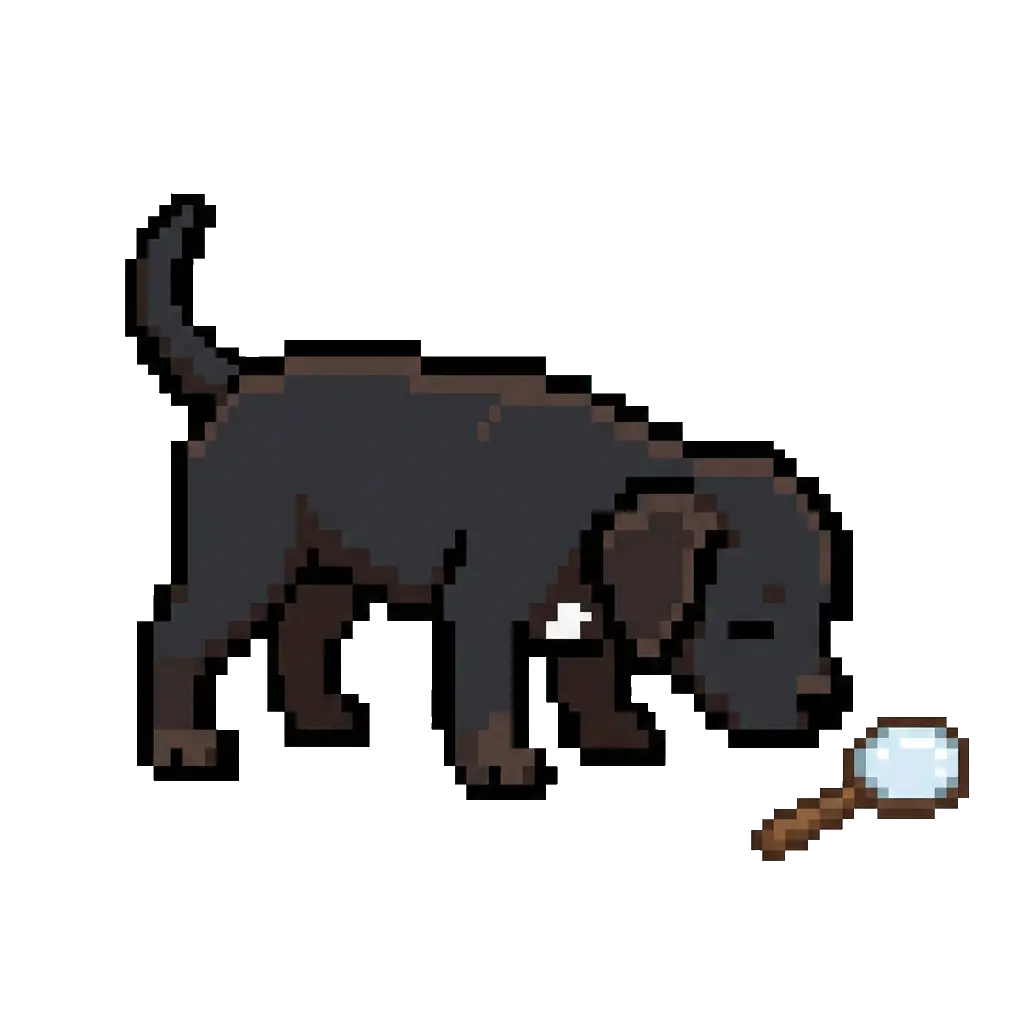
No details match
Try another category or clear the search.
Empty · inline
No families yet. Send a family from Revit to add the first one.
Loading · skeleton
Data display
Engineers scan before they read. Cards for things with a drawing, ruled tables for things with columns, and one metadata line in tabular figures.
| Role | Rook Lateral | |
|---|---|---|
| acoulson@integritystructural.com | Administrator | Licensed |
| bbenitez@integritystructural.com | Member | Licensed |
| bchandler@integritystructural.com | Member | No license |